How Much Does a Framer Website Cost in 2026?
What a Framer website costs in 2026: the build price for templates, custom design and full sites, the monthly Framer plan, and the extras people forget.
 Eric Boluwatife
31 October 2026 · 7 min read
Why nowThe question I get most from founders who already know they want Framer.
A Framer website has two costs: building it, and running it. The build is a one-off fee to the person who designs and builds the site, from a few hundred dollars to adapt a template to several thousand for a custom multi-page site. Running it means a monthly or yearly Framer site plan, plus a domain and any paid extras. For most startups and small businesses, the build is by far the bigger number.
I'm a certified Framer expert, and most of the marketing sites I build are in Framer. Here's what goes into the price, so you can budget properly and compare quotes.
Cost 1: building the site
What you pay to build depends mostly on how much is designed from scratch and how much the site has to do.
| Type of Framer build | What you get | Typical time |
|---|---|---|
| Template set up for you | A bought template with your content, brand colours and domain | A few days |
| Custom landing page | One page designed around a single goal, with custom design and motion | 1 to 2 weeks |
| Custom marketing site | Home, about, services or product pages, contact and a blog or CMS | 2 to 4 weeks |
| Larger site | Many pages, several CMS collections, multiple languages or custom code components | 4 weeks or more |
With me, a Framer landing page starts from $1,200, Framer builds from $1,500, and full multi-page sites from $2,500. Each project gets a fixed quote after a short call, so the price doesn't move unless the scope does.
What makes a Framer build cost more
- Number of unique page designs. Ten pages that share two layouts cost less than ten different layouts.
- CMS collections. Blogs, case studies, team members and job listings each need a collection, templates and sample content.
- Motion and interaction. Scroll effects, animated sections and interactive components take design and testing time.
- Custom code components. Calculators, filters, booking widgets or anything Framer doesn't do out of the box are written in code.
- Copy. If the designer structures or writes your copy, that's real work, and it usually shows in the results.
- Languages. Each extra language adds translation, layout checks and SEO setup.
- Integrations. Forms that feed your CRM, email tools, analytics and booking systems.
Cost 2: running the site
To publish on your own domain, you need a Framer site plan, paid monthly or yearly. Framer has several tiers, and the one you need depends on how many pages and CMS items you have, how much traffic you expect, and whether you need features like extra languages. Prices change, so check Framer's pricing page for the current numbers before you budget.
On top of the plan:
- Domain name: a small yearly fee to your domain registrar.
- Email for your domain, if you want an address like hello@yourcompany.com.
- Paid templates, fonts or plugins, if your site uses them.
- Third-party tools such as forms, booking, newsletters or analytics with their own subscriptions.
Plans are billed in US dollars, which is worth factoring in if your business earns in another currency.
Cost 3: changes after launch
This is where Framer saves money. Your team can edit text, images and CMS content directly in Framer's editor, so routine updates don't need a developer. What still needs a designer is new page layouts, new sections and bigger changes to the design.
I set up the CMS for anything you'll update often, like blog posts, case studies, team and job listings, and every project comes with a handover video and 30 days of free support.
Template, custom or somewhere in between?
- Use a template if you need something live quickly, your content is simple and you're happy to look a bit like other sites using it.
- Go custom if your website has to sell something specific, stand out in a crowded market, or grow into a bigger site.
- A middle path: a custom home page and key landing page, with simpler shared layouts for the rest. This keeps the cost down where it matters least.
Framer sites I've built
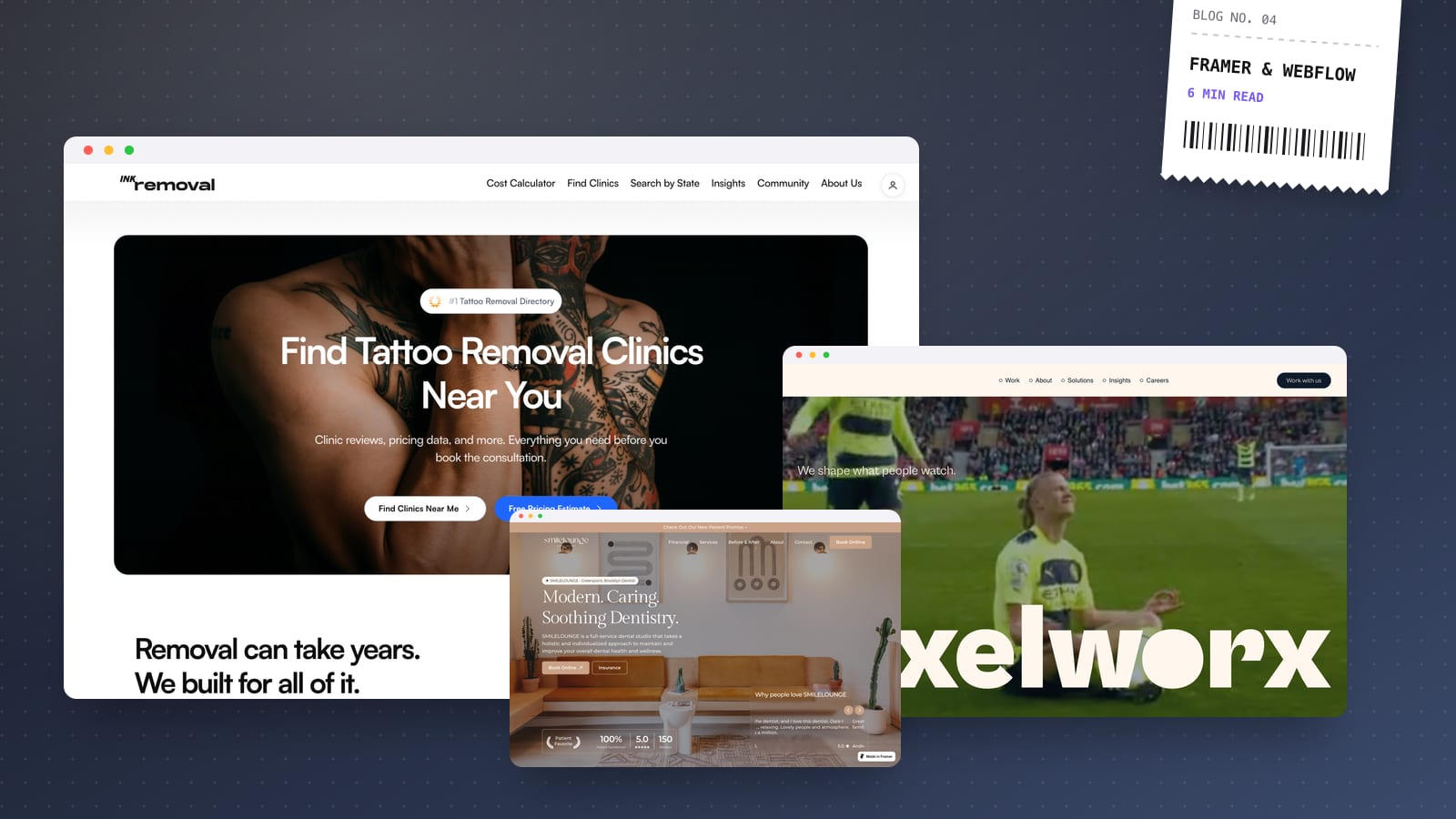
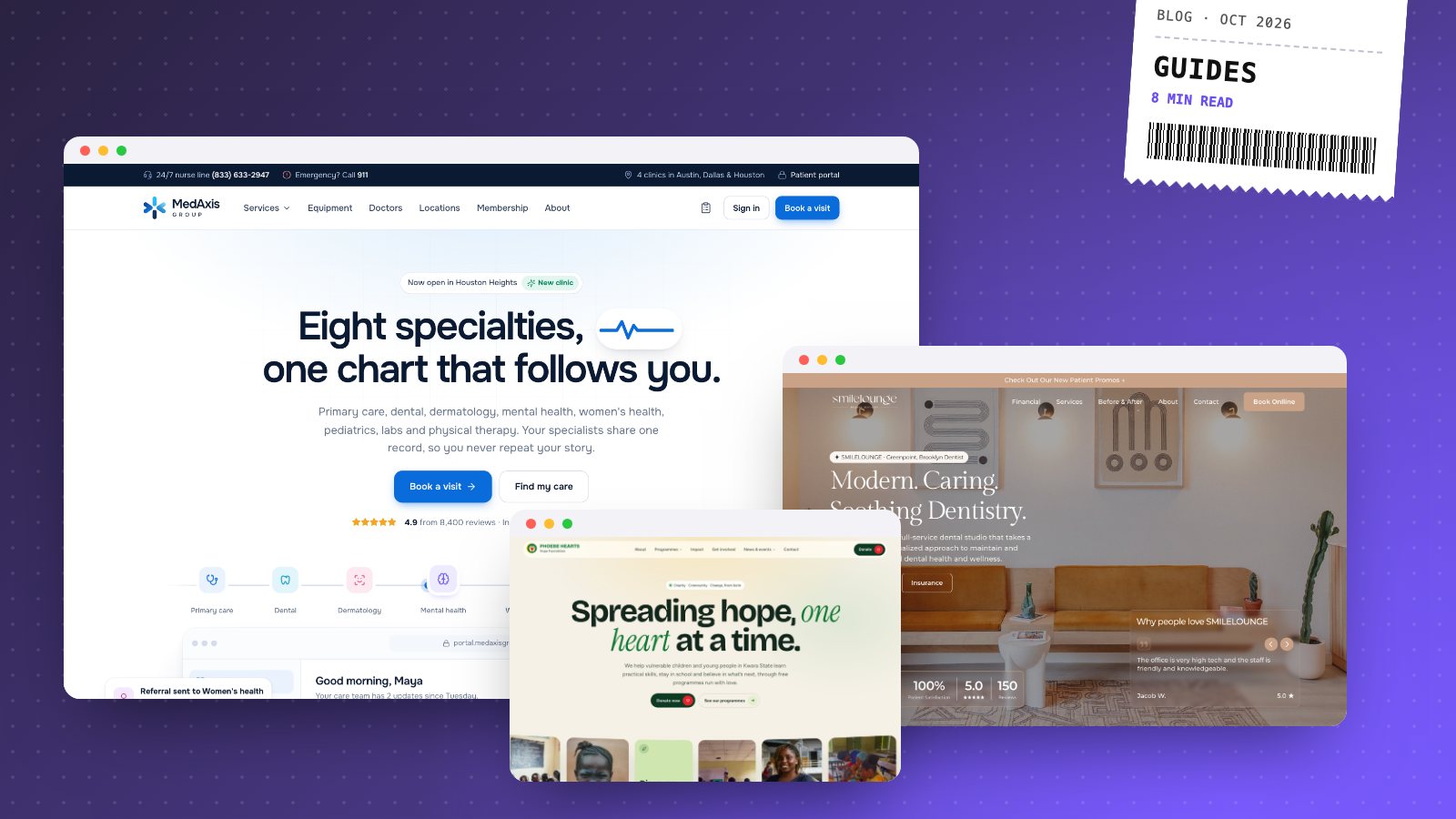
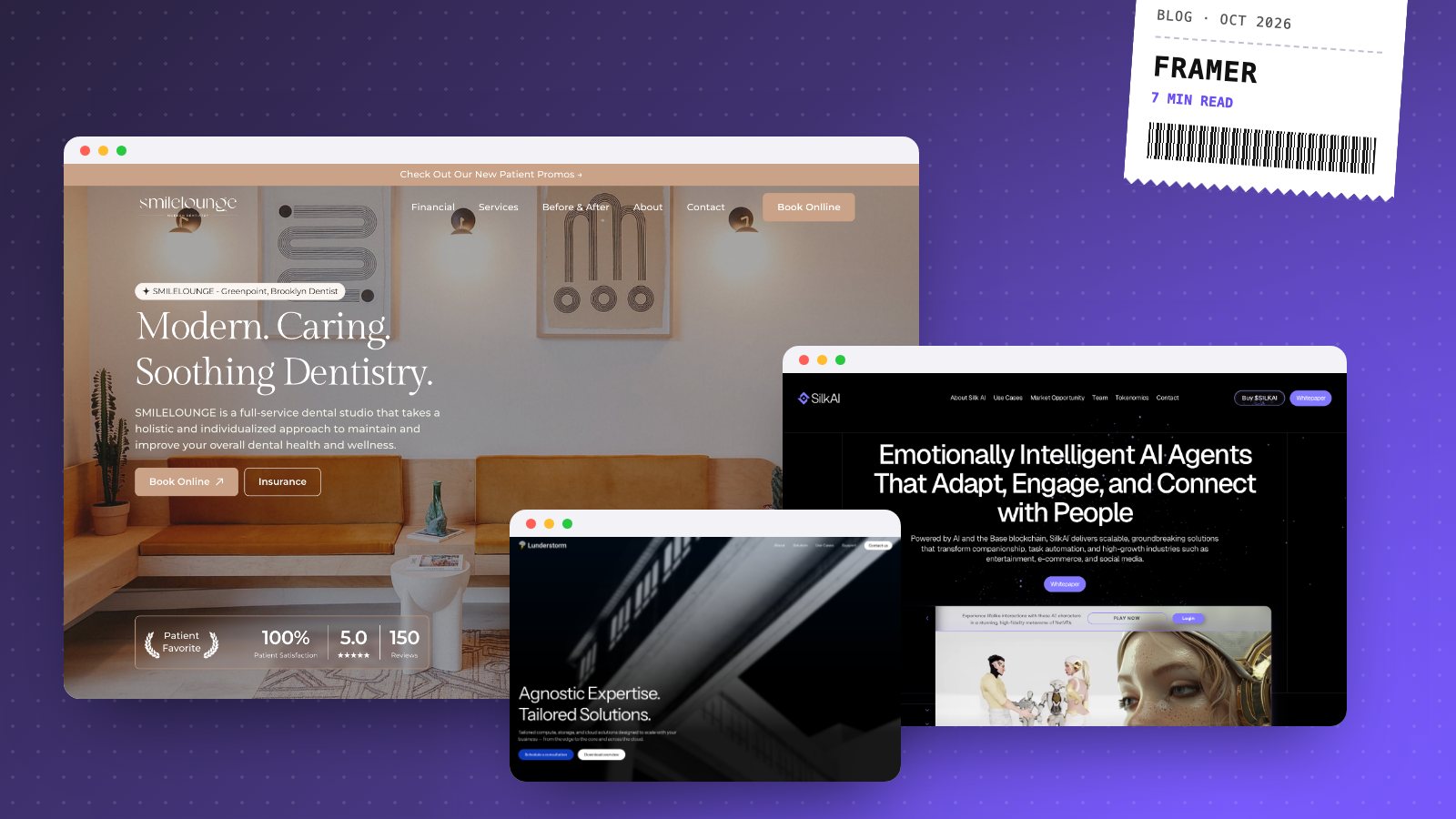
- SMILELOUNGE: a dental studio redesign concept built in Framer for a real Brooklyn practice.
- Ink Removal: a client directory site in Framer that helps people find clinics near them.
- Swiftlyr: a client SaaS site for a bulk-hauling logistics platform.
- Gild Beauty Bar: a salon website with services and booking.
How to get an accurate quote
Send any Framer designer the same short list:
- The pages you need and which ones are most important
- What the site must achieve: bookings, sign-ups, sales or enquiries
- Whether you need a blog or other CMS content
- Two or three websites you like, and why
- Your deadline
If you're still deciding on a platform, read Framer vs Webflow first. For prices across every type of website, see my website cost guide, and if you already have a site, run it through the free website check to see what a rebuild would fix.
Ready for a number? Book a 30-minute call and I'll send a fixed-price quote for your Framer site within a day.